Start with files you already have
Open PSD, KRA, or flat images — layers, blend modes, and visibility come through.
Floss
BetaDigital painting and image editing
The power of professional tools, in a simple, intuitive interface.
Active development — rough edges, missing pieces, and breaking changes between builds are expected.
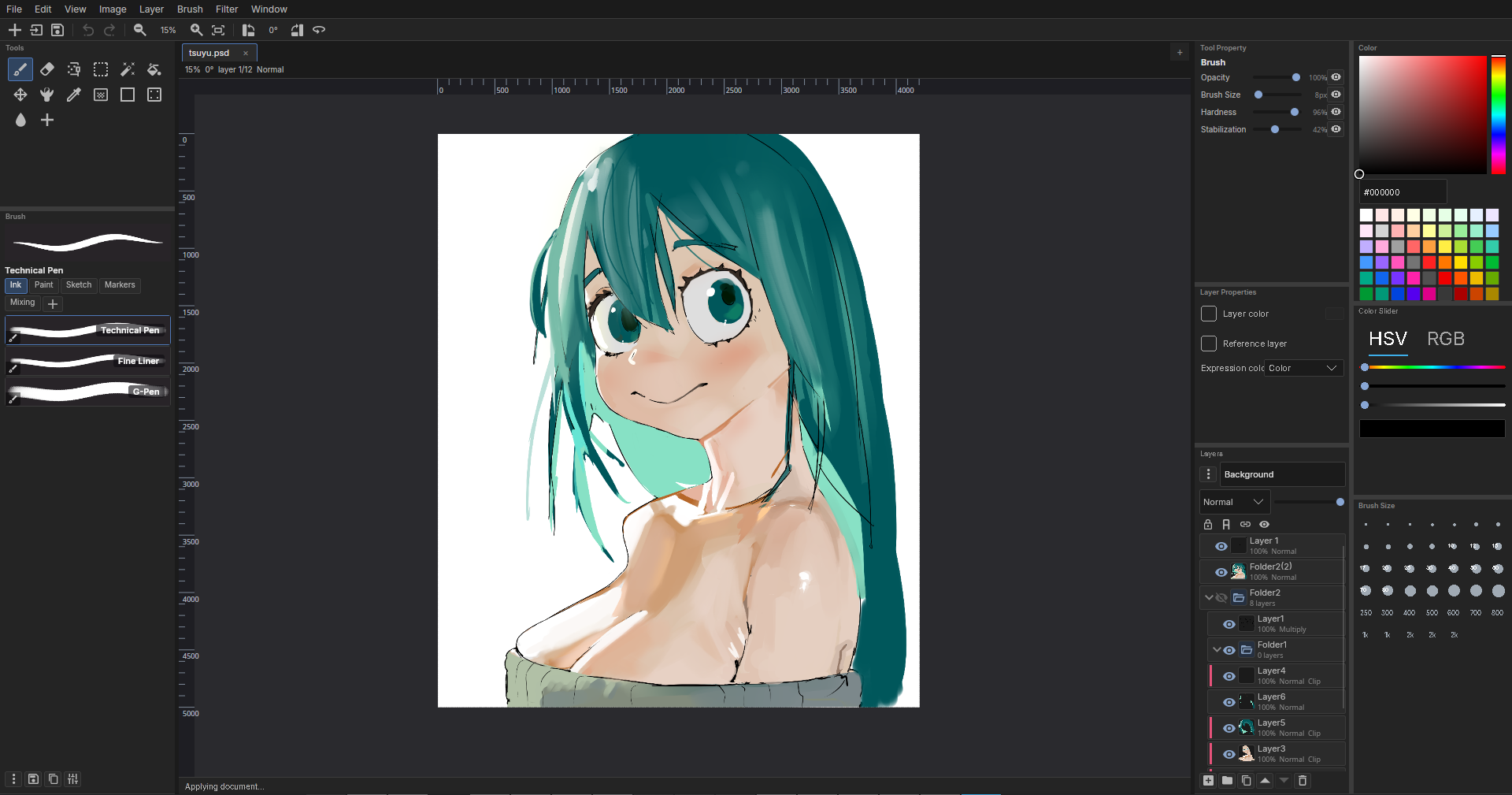
Open PSD, KRA, or flat images — layers, blend modes, and visibility come through.
Pan, zoom, and rotate without fighting the tools you're already using.
Layered .floss documents — not just a flattened export.
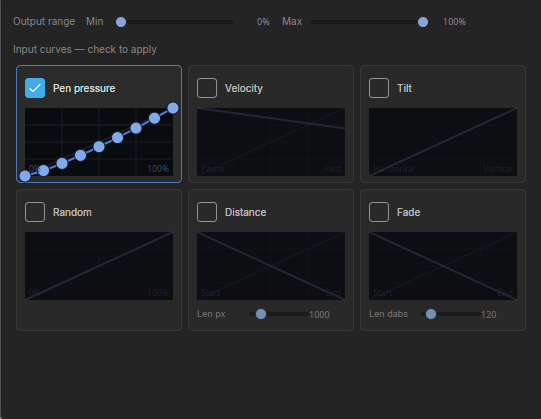
Pressure, speed, and tilt shape every mark. Tune how each brush responds, mix color on the canvas, and build a library of presets you actually reach for.
Brush tip graph
Brush tips are built from nodes. Plug in a shape, add noise or a texture, tweak the mix — the preview shows you exactly what lands on the canvas.

Stack, folder, blend, and refine without flattening early. Lock what's done, clip to what's below, and keep reference layers handy while you paint.

Open Photoshop and Krita files with layers intact. Save back to .floss when you want the full editable document, or flatten to PNG when you need to ship.

Screenshot artwork: Kiki the Cyber Squirrel (Krita splash art) by Tyson Tan. Source: Krita mascot page. Licensed under CC BY-SA 4.0.
Wide canvases, tight zoom — navigation stays out of the way whether you're blocking in a scene or cleaning up a small detail.

Active development — rough edges, missing pieces, and breaking changes between builds are expected. By downloading, you agree to the EULA.
Windows
macOS